
Making a website is often a concern for small businesses, and is especially important ahead of launching a business. Suzaku Consulting offer web development services and have often found that there is a lack of understanding on what a Content Management System (CMS) is and the best way to adopt these.
What’s a CMS then?
A CMS is effectively the ‘platform’ from which your website will run. Being thoughtful of this can change your experience of making the site and your customer’s impression of your business.
For example, most businesses use WordPress because it is a proven platform that hundreds of millions of people use – from one-person blogs to multi-billion pound eCommerce platforms.
Alternatives to WordPress include:
- Shopify
- Drupal
- Web Flow
One thing we would say is that because WordPress isn’t a gated platform, it’s open-source, it is often by far the easier and cheaper platform to run and it scales infinitely. You can just about run anything on WordPress.
Where can I start making a website?
One of the first things you will need is a hosting-provider, a list of whom are below:
They all have different value propositions and your experience of making a website will vary depending on which one you choose.
IONOS
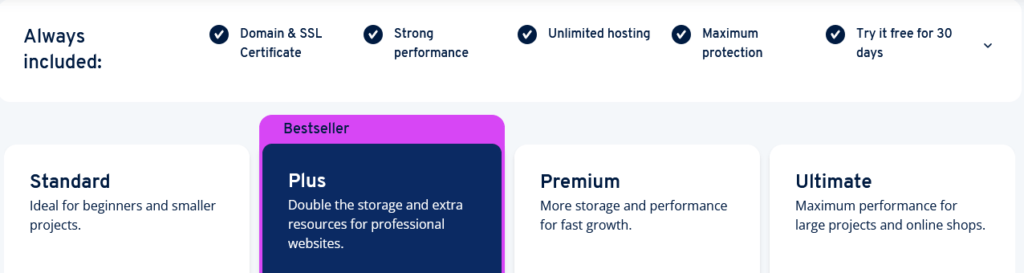
INONOS are a major player in Europe and have a brilliant presence in the UK and globally as well, they have many brands which sit under their umbrella such as fasthosts so the value-offering can range from major enterprises to one-man-band outfits.
Which package works well for most? If you only ever want the one website, then a WordPress package is the best. Often we recommend the web-hosting suite as it gives greater flexibility at a great price point.
OVH
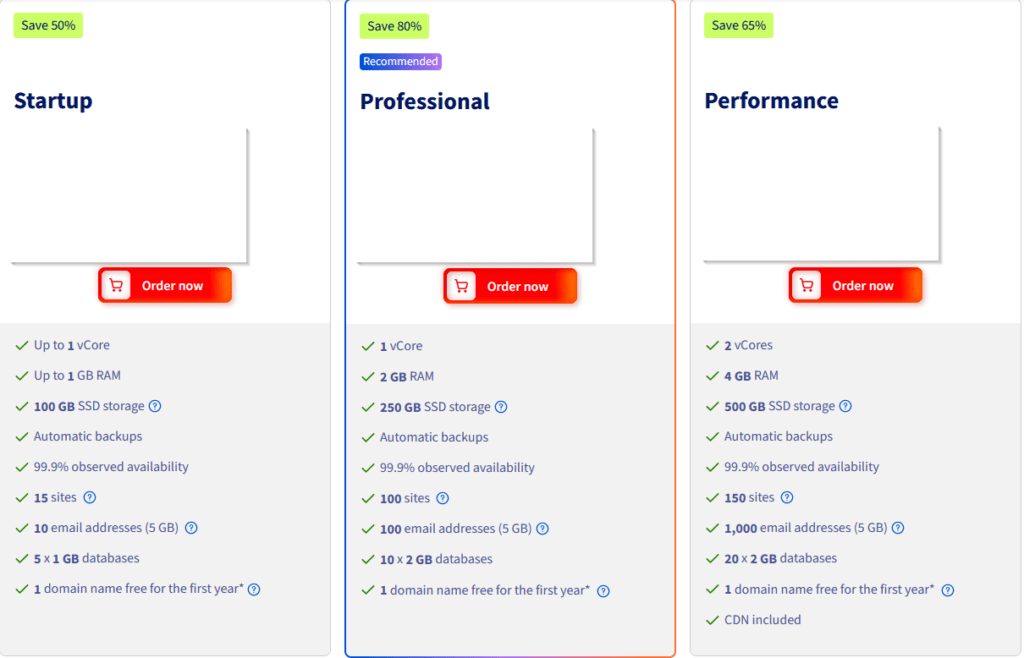
At Suzaku Consulting we really like OVH, it’s incredibly cheap and runs like a dream – helping to keep costs low while still delivering everything a business would need.
With OVH, you don’t need web-hosting because the WordPress packages are just that good. I’ve removed the pricing because I’m writing this in 2026, but for context the middle option is less than £10 a month, for 100 websites + backups.
123-Reg
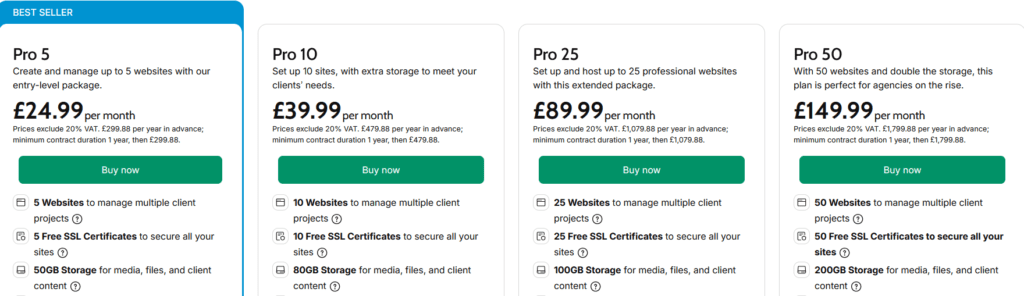
We used to recommend 123-Reg, however a lot of pricing changes over the years has meant that they are no longer offering value at a reasonable price-point on web-hosting.
You can still choose WordPress hosting but it is very limited compared to what else you would get on the market, and they have much-reduced telephone support since GoDaddy bought them.
Hipposerve
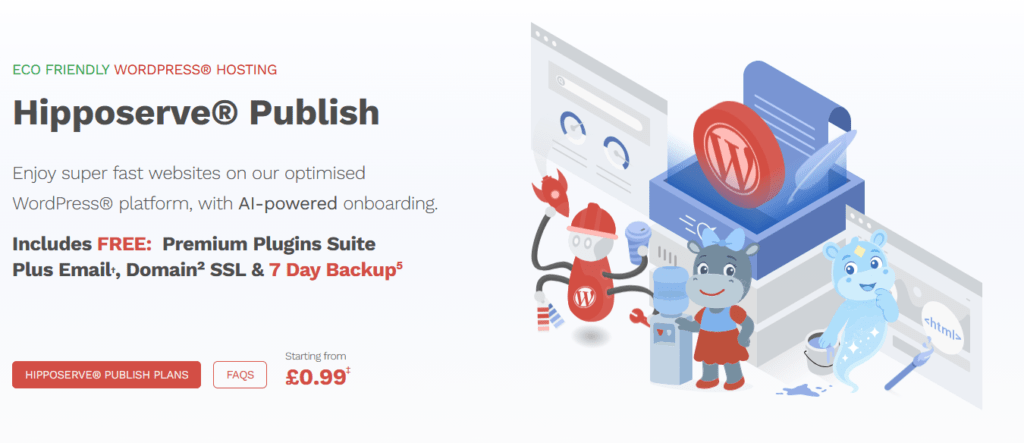
Instead of 123-Reg, if you want a more managed experience we would recommend Hipposerve when making a website that needs to be low-stress.
Hipposerve are a smaller and more accessible provider compared to the international hosting companies above. They have rapid telephone support and are pride themselves on prompt customer service. Even we are a bit taken aback when they respond in less than 30 seconds to ‘non-urgent’ queries! You can host plenty on their platform at the same price as 123-Reg, but with a much better product range and customer experience.
Making a website after you’ve got hosting
Once you’ve got a hosting provider sorted, you can begin to start building the site. The first thing you need to do after logging in is put it into ‘dev mode’ so people on the internet don’t see a half-finished website.
Install these plugins on your WordPress site:
While the above will get you started, you may also want something like Wordfence for security but that is entirely up to you and how you want to log into the site (directly, in which case use Wordfence, or through the hosting dashboard).
Installing the above plugins takes less than five minutes, and completing the wizard for each is typically 5-10 minutes apiece. You only have to do it once.
A note on SEO: in essence SEO is the the digital equivalent of the shop-sign outside a cafe, it’s how your business is found. You don’t need to pay an SEO Consultant to get the basics right, read the Yoast SEO blogs and begin chipping away at it.
What theme do I choose?
WordPress is totally customisable but it does help to have templates, you are best-off settling for the latest version of the default Theme. If you are running an eCommerce shop, you would have likely installed WooCommerce and will search through its own Theme templates.
Can I use AI to help with making a website?
Yes! As of 2026 WordPress has native integration with various AI platforms, all you have to do is connect them to the site.
We would recommend having two sites, one which is ‘live’ and is what people see and one which is a ‘dev’ site where you can freely make changes and break things stress-free.
Typically a dev website will exist on a subdomain e.g. dev.example.com and will be login-protected at all times.
Where do I go from here?
Depending on how complex or simple your site needs to be, you may find yourself using AI to build custom-scripts and images, need to setup newsletters via the Newsletter plugin or MailPoet, etc.
Making a website doesn’t have to be stressful or complex however, in fact the core design concepts in every day life apply to websites:
- Know your audience
- Keep it simple
- Keep it brief
Instead of being wordy, complicated and generic it is better to target your ideal audience and speak to their need. This informs everything from your logo, colour-scheme, copy/content, and your offering.
Learning more
There are a multitude of blogs and guides, we recommend learning from the WordPress team first and foremost:
What if I need help?
Suzaku Consulting have had the pleasure of building custom websites for a range of customers, our web-developers would be happy to hear from you should you have complex requirements.
Naturally, WordPress is used globally and so if you would prefer to search more widely for help, guidance and expertise you will have no shortage of web developers to assist.