
If you run a small business in the UK, your technology needs are entirely unique. Unlike large businesses, you don’t have a floor full of dedicated IT people to manage, repair, and deploy devices. And unlike a solo freelancer, you can’t afford to treat IT as a casual afterthought.
A single security breach, a malware infection, or a day of unexpected downtime across your team can put a serious spanner in the works, disrupting client deliveries, stalling active projects, or denting your cash flow.
What to buy
If you want to skip straight to our recommendations, click here.
When it’s time to upgrade your hardware, the temptation to log onto Amazon or send someone down to the nearest Curry’s is strong. Buying consumer-grade laptops through these channels is incredibly risky.
The open online marketplace has very little oversight, we’ve genuinely seen instances where the third-party seller behind a seemingly great laptop deal turns out to be a registered toy-shop or an ambiguous trader flipping grey-market stock.
At best, you end up with a machine intended for another country with zero valid UK manufacturer warranty. At worst, you’re buying unaccountable, poorly supported hardware with absolutely no consideration for whether it’s the ‘right fit’ for a your business environment.
The Reality of SMB Hardware
At Suzaku, we believe technology shouldn’t demand your constant attention, or surprise you with hidden faff. It should simply work, adapting seamlessly to how your business actually operates.
Before looking at processor model numbers or gigabytes of memory, it helps to identify what keeps a business running smoothly. When your team operates both at a desk and out in the field, a business laptop must deliver on four core pillars:
- Real-World Durability: The device needs to survive the physical realities of a mobile workforce – constant vibration in the back of a van, accidental drops on hard surfaces, wear and tear in a backpack, shifts in temperature, etc.
- All-Day Battery & Connectivity: You need exceptional battery life and fast, reliable wireless capabilities to tether effortlessly to mobile hotspots when Wi-Fi isn’t available.
- True Screen Usability: Highly reflective, glossy screens are the enemy of mobile working. British weather is unpredictable; you need a bright, anti-glare display that remains perfectly legible under harsh office strip-lighting or outdoors on the rare occasion the sun breaks through the clouds.
- Zero-Fuss Lifecycle Management: Because you likely lack a full-time internal IT department, laptops must be simple to deploy straight out of the box, easy to secure remotely, and straightforward to service if something goes wrong.
Microsoft vs. Google
Your choice of laptop hardware is deeply tied to the productivity suite running your daily operations. Google and Microsoft can be used to manage each other’s systems, with the right knowhow.
The Microsoft Route
If you rely heavily on complex desktop applications, advanced spreadsheet modelling, legacy desktop accounting software, or building industry tools, Microsoft Windows is the right choice.
The Google Route
If your team is highly mobile, collaborates heavily with external subcontractors or freelancers, and prefers real-time, browser-based co-authoring, Google Workspace is an exceptional choice. It is a cloud-first ecosystem, supports extended battery life, simplifies user onboarding, and runs beautifully on lightweight, secure hardware.
Fleet Management
Losing a laptop to theft or suffering a cyber-attack isn’t just an inconvenience – it can severely damage client relationships. You need centralised control over your devices without the cost of a dedicated server room and team of technicians on payroll.
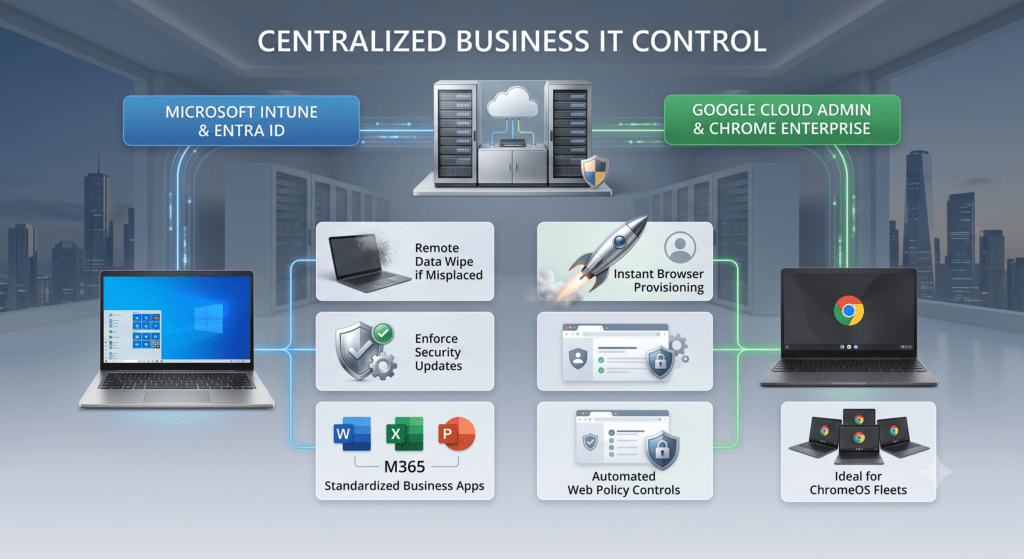
1. Microsoft Device Management
For businesses using Windows, managing hardware through Microsoft Intune allows Suzaku to pre-configure your laptops before they even reach your employees.
- Remote setup
- Pre-installing important apps
- Smoother first-day experience for new joiners
- Longer lifespan of devices as they are easily kept up to date
- When stolen, we can remotely wipe company data in minutes
2. Google Device Management
If you take a cloud-first approach, the Google Admin Console allows for incredibly fast device deployment. A new employee simply opens their new laptop, logs in with their Google Workspace credentials, and their entire working environment configures itself automatically.
- Easily integrates with thousands of cloud apps
- Can run most productivity apps including Microsoft
- Super-fast, with extensive battery life
- Boots up in seconds, rarely needs a reboot
- Government-level security at an accessible price
- Can manage ChromeOS and Microsoft Windows systems
Microsoft Windows vs. ChromeOS
A common assumption among small business owners is that every business laptop must run Windows. ChromeOS has in the 2020s become a powerful, highly efficient alternative for international businesses, large and small, who are focused on agility, collaboration and flexible working.
Pros of a Windows Laptops
Windows is the essential choice if your company relies on locally installed desktop applications, specialized valuation software, or deep corporate database integrations.
Due to its age, Windows supports the widest variety of local peripherals, desktop printing setups, and legacy business utilities including construction software.
Pros of a Google Chromebook
For team members who spend their day inside web portals, access project management apps via a browser, or collaborate primarily via cloud-based shared drives, a business-grade Chromebook is highly effective.
Chromebooks are inherently secure against traditional viruses, boot up in mere seconds, offer remarkable battery efficiency, and cost less to procure and maintain over their lifetime.
Reliable Vendors
Through Suzaku’s extensive buying expertise and established commercial distribution networks, we focus on three core hardware vendors that deliver distinct, practical advantages for small businesses.
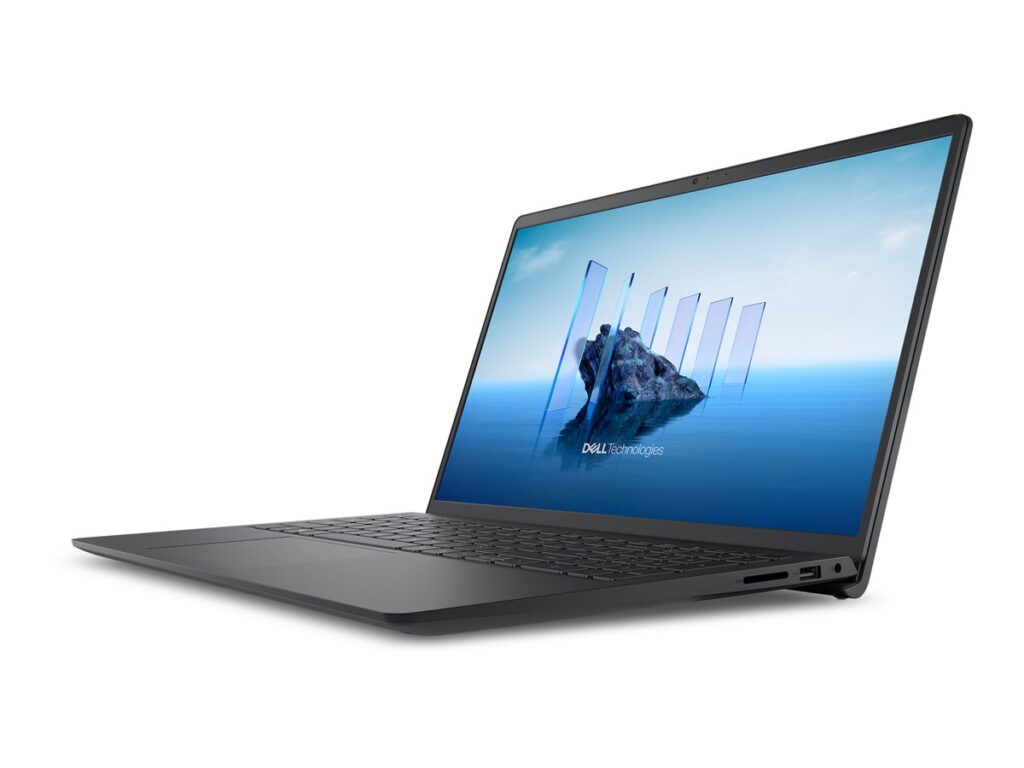
1. Dell
Dell’s series of laptops does exactly what it says on the tin. Engineered for pure business utility and built with high-quality, durable materials, Latitude laptops feature brilliant keyboards, excellent internal cooling, and highly reliable performance.
2. ASUS
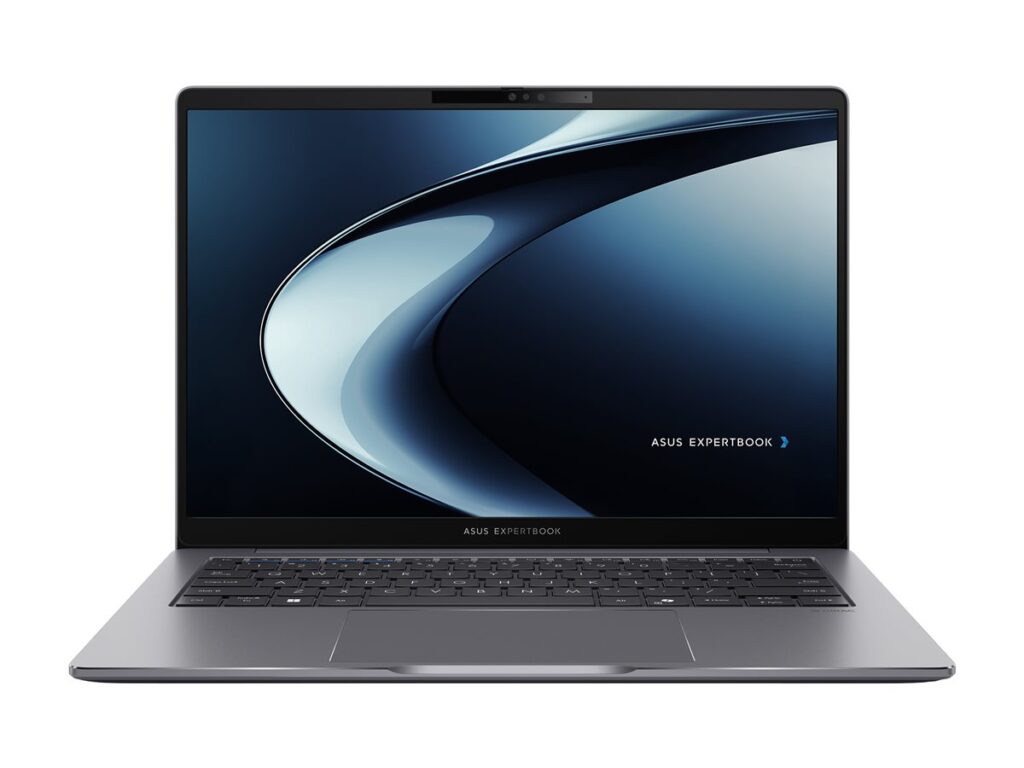
Do not let their sleek, modern appearance fool you; ASUS has built an exceptional reputation for ultra-rugged, incredibly lightweight business hardware. The ExpertBook series is well suited to construction, military and oil and gas businesses which need devices which last.
3. Samsung
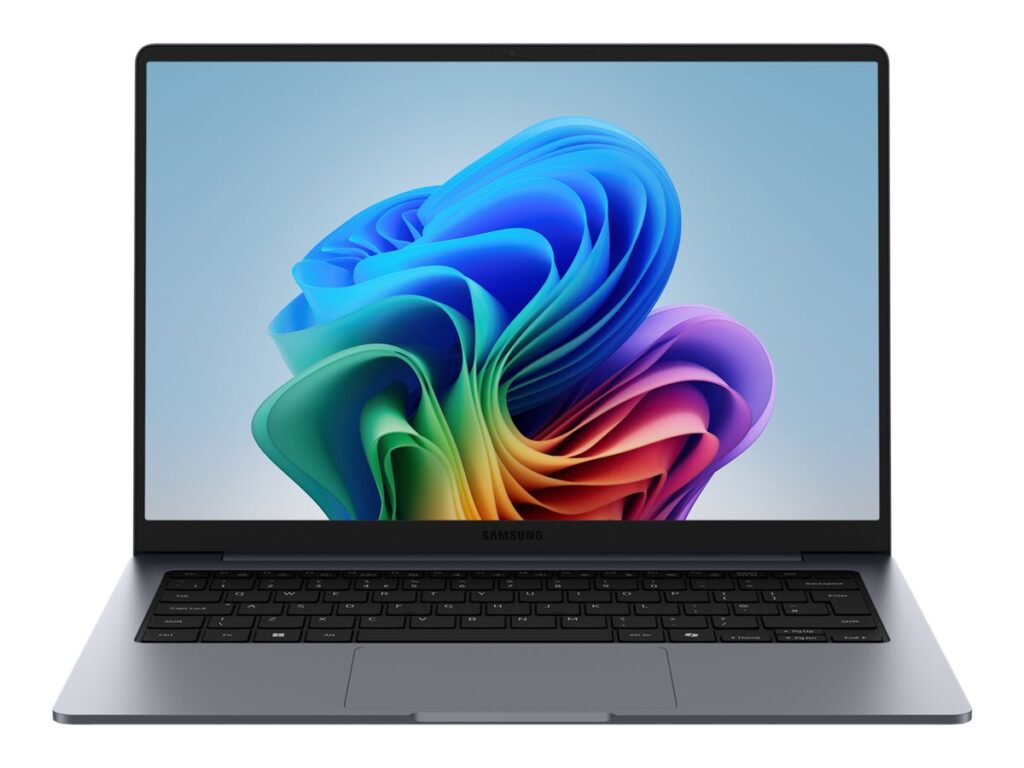
Samsung has successfully translated its premium hardware design language into the business market with the Galaxy Book series. Featuring robust metal enclosures, gorgeous power-efficient displays, and extensive battery life, they are ideal for directors and client-facing managers.
Matching Hardware to Need
To help you conceptualise how these options map to a 1-30 user business, here is how we typically recommend deploying hardware across standard team roles:
| Primary Working Scenario | Recommended Hardware | Core Features |
| Hybrid | Samsung Galaxy Book or Dell Pro series | Premium aesthetics, high processing power, numeric keypad. |
| Mobile | ASUS ExpertBook or Dell Plus series | Military-standard durability, light weight, anti-glare display. |
| Administration | Dell Pro series or Samsung Galaxy Book | 12+ hour battery life, rapid boot times, cloud-native security. |
Our Buying Expertise
Choosing the right business laptop isn’t just about price. It’s about what happens when a device is actually used, and when it requires support.
Sourcing laptops from standard retail channels or random online marketplace accounts means that if a machine fails, your employee is sidelined for weeks while a standard retail repair centre slowly processes the ticket: it becomes easier to buy new laptop instead.
Because Suzaku operates with dedicated commercial buying teams, we provide our small business clients with enterprise-grade procurement and support advantages:
- Predictable Financial Planning: We help you structure hardware procurement to eliminate unexpected capital expenditure, allowing you to map out structured device lifecycles cleanly.
- Tailored Pre-Configuration: We can ensure your chosen cloud ecosystem is fully configured before the laptop is turned on at your office. Your employee simply opens the lid, connects to Wi-Fi, logs in, and gets straight to work.
- Reliable Support: If a laptop suffers physical damage or an unexpected failure, our direct relationships ensure fast access to replacement parts, rapid swap-outs, and access to business warranties designed to protect your operational uptime.
Build on a Reliable Foundation
For a growing small business, the absolute “best” laptop isn’t the flashiest or cheapest one available on a random web-shop – it’s the one that aligns with your working patterns, survives the physical demands of your team’s daily travel, and can be managed centrally without draining your valuable time.